
Do you also have a drawer full of old cables, chargers, and plugs that quickly turn into one big tangled mess? You are not alone. Cable organization is not about everything being perfect. It's about being able to find the right cable when you need it and creating more calm around your desk and in your home.
With just a few simple steps, you can make life much harder for cable clutter. Start small and create a system that is easy to maintain.
How do you get started with cable organization?
The easiest way to get an overview is to gather all loose cables in one place. Take them out of drawers, cabinets, and bags so you can see what you actually have. Many quickly discover that several cables no longer fit their electronics or are simply lying there as spares without being used.
- Gather all cables. Find chargers, plugs, adapters, and headphone cables from their hiding places.
- Sort by use. Make small groups such as mobile, computer, headphones, and other electronics.
- Remove what you don't use. Defective or superfluous cables should not take up space in your system.
- Give each group a fixed place. This will make it easier to put the cable back after use.
It's a good idea to keep cables that are used every day separate from those you only take out occasionally. This way, you avoid rummaging through the entire collection when your phone or computer needs power.
Where should cables and chargers be stored?
Cables that are not in use work well in a drawer close to where you most often charge. This could be in the hallway, at your desk, or in a cabinet in the living room. Choose one place instead of having a little bit lying around in every room of the house. Fixed places create overview and surplus in everyday life.
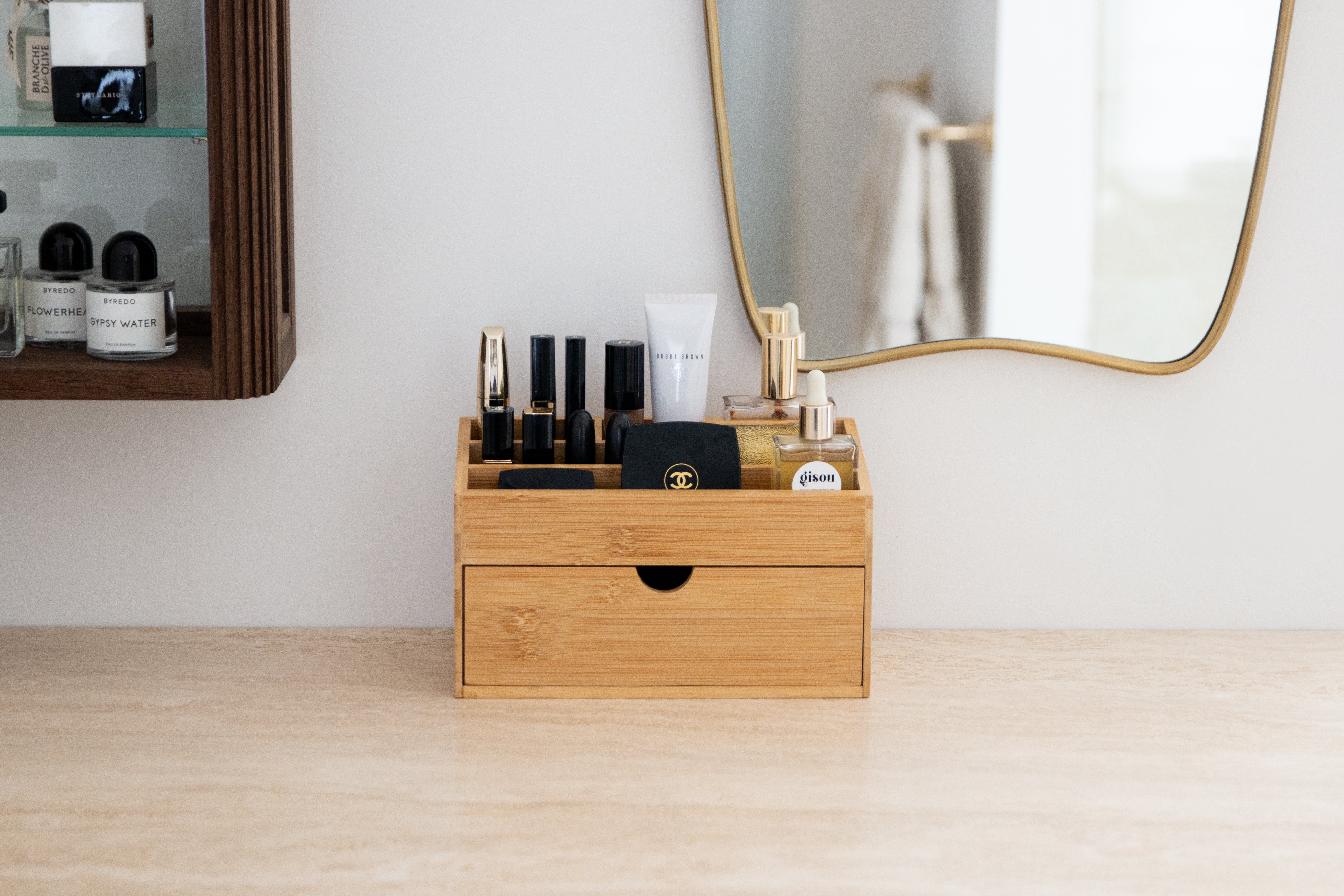
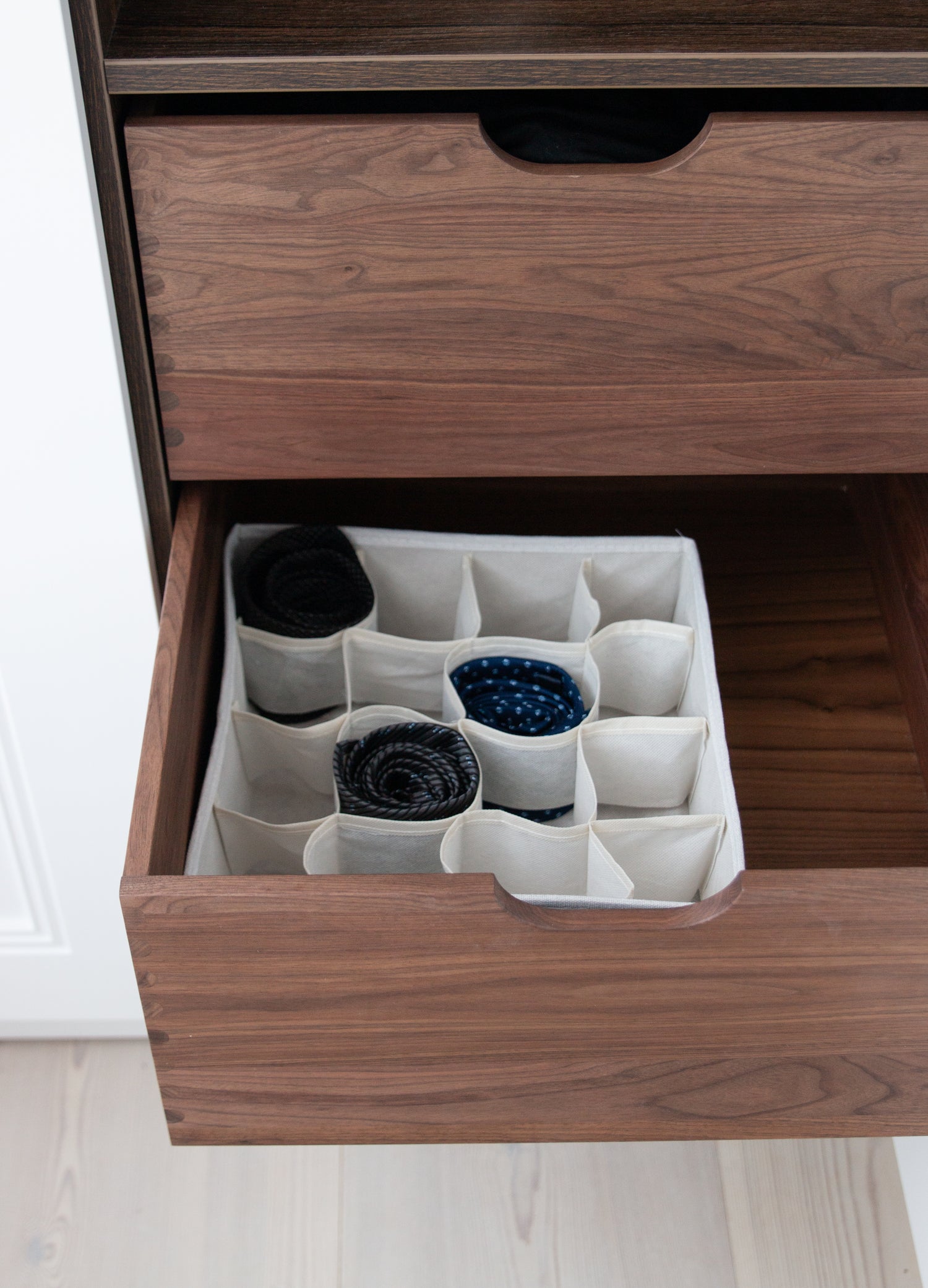
Small dividers make it easier to keep the individual groups separate. For example, a multi-organizer in bamboo can create calm sections in the drawer for short cables, adapters, and small chargers. Bamboo also provides a natural and calm expression that fits well into a simple lifestyle.
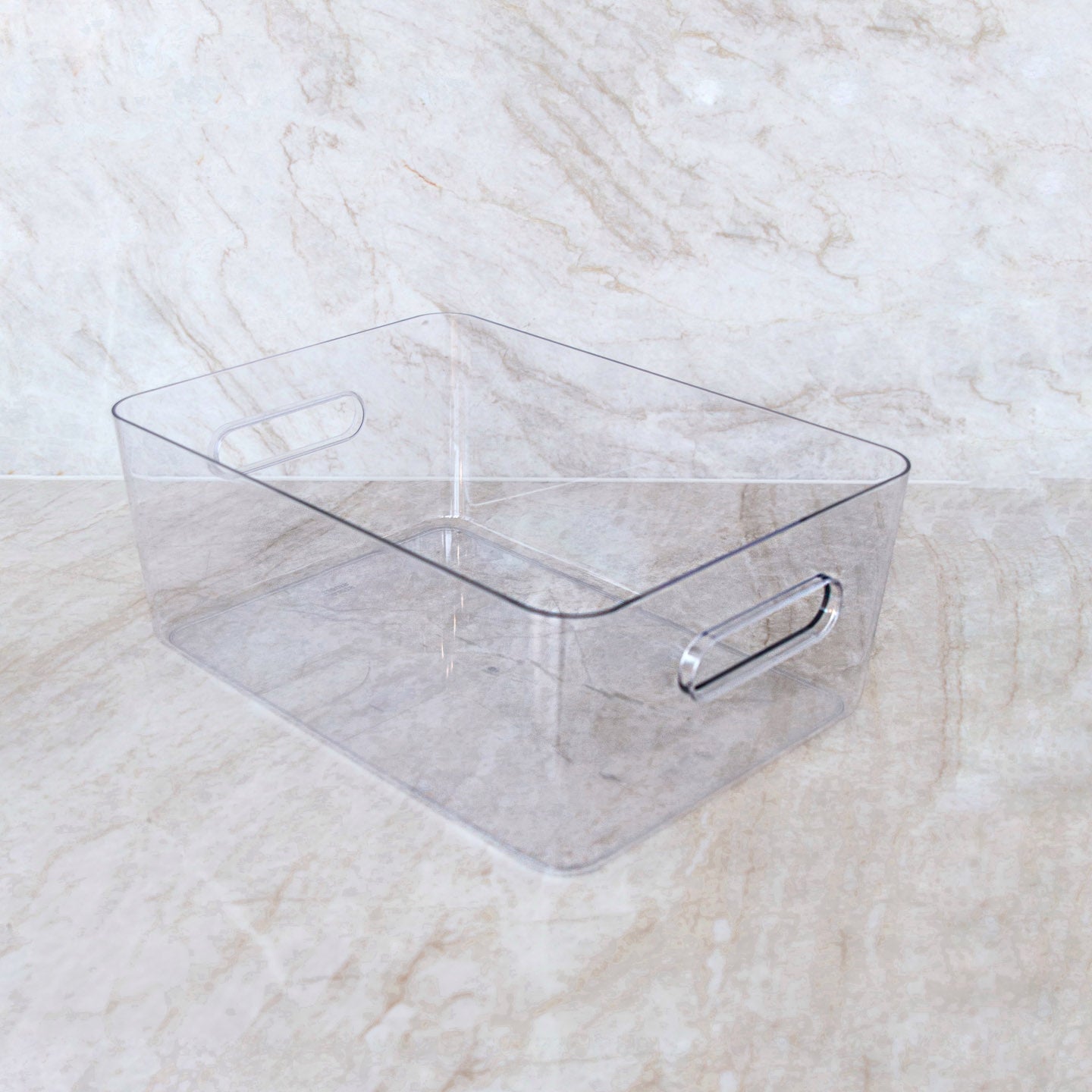
If you have several chargers and accessories, a medium drawer box can be a good base to gather everything. Use it for cables that don't need to be out every day, so the drawer is still easy to overview.
How to avoid cable clutter at your desk
At the desk, cable clutter often arises because several devices are used at the same time. Computer, lamp, monitor, and phone quickly each have their own cable. Here it helps to distinguish between active cables and cables on pause.
- Only leave out the cables you are currently using.
- Loosely gather excess length so the cable doesn't unnecessarily take up space on the table or floor.
- Place chargers so you can still easily access outlets and plugs.
- Store extra cables in the drawer instead of behind the monitor or under the table.
- Review the system when you get new electronics, so old cables don't remain out of habit.
It gives a neater look, but it also makes your workplace more comfortable to use. When the tabletop is free of unnecessary cables, you get more space for what you are working on. It is aesthetics for the soul in a very simple way.
What do you do with cables you only use rarely?
Cables for older devices, travel, or special equipment do not need to be at the forefront. Gather them in a smaller group and place them somewhere where they are easy to find again. You can optionally divide by type, so all chargers are together, while adapters and other accessories get their own space.
The most important thing is that you don't store everything without a plan. If you know where your spare cables live, they become a help instead of a pile that creates unrest. And if you haven't used a cable after some time, you can decide whether it should continue to have a place in your home.
Make cable organization a habit
A good system must be easy to use in a busy everyday life. Therefore, you don't need to do a big cleanup every week. Just take a moment to put the charger back in the drawer when it's no longer in use. It's often the small habits that keep the good energy flow going.
Start with one drawer or one desk. When that area feels lighter and more manageable, you often want to take on the next small area. A simple lifestyle is precisely about choosing solutions that make room for more calm and less unnecessary clutter.
Frequently asked questions
How do I organize many different cables?
Start by sorting them by what they are used for. For example, divide them into mobile, computer, audio, and spare cables. Give each group its own space in a drawer or organizer.
How do I avoid cables on my desk?
Only leave out the active cables. Store extra chargers and cables in a nearby drawer so they are within reach without taking up space on the table.
What should I do with old or defective cables?
Remove cables you no longer use from your storage. If a cable is defective or damaged, it should not be used. This creates more space and a more manageable system.
How often should I clean up my cables?
You don't need to do it often. Review the collection when you get new electronics or when the drawer starts to feel unmanageable. This way, you keep the system simple and usable.